Settings
Settings
Settings holds your company's details and rules, your own profile and notifications, the approval chains and the integrations. Only the owner changes the company's settings; others see them as they are.
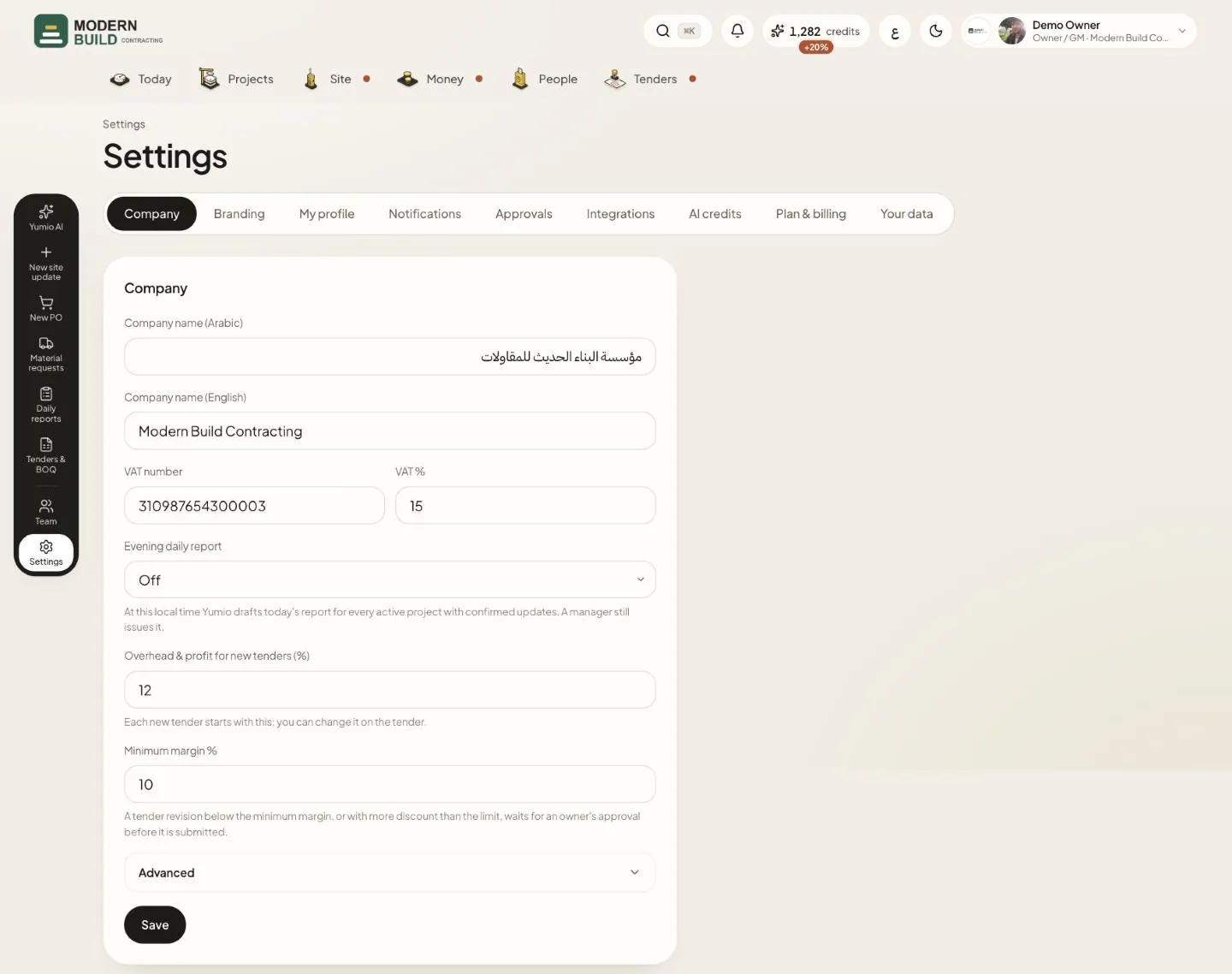
Step by step
- 1Pick a tab: Company, Branding, My profile, Notifications, Approvals and Integrations; the owner also sees AI credits, Plan & billing and Your data.
- 2In Company, check the company names, the VAT number and VAT %.
- 3Choose the Evening daily report time: then Yumio drafts today's report for every active project with confirmed updates. A manager still issues it.
- 4Set Overhead & profit for new tenders (%) and Minimum margin %. A tender revision below the minimum margin waits for the owner's approval before it is submitted.
- 5Open Advanced for the rate escalation, consultant reply days, PO warnings, programme delay, discount limit, tender follow-up days and quote prefix. Then press Save.
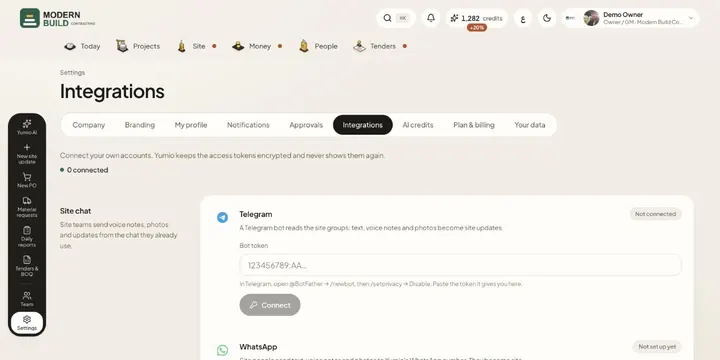
- 6Approvals sets who approves each type of document, optionally only from an amount up; Integrations connects mailboxes, Telegram, WhatsApp and accounting.
More in this section: Settings
Still stuck?
Write to us in Arabic or English and we will help.