Procurement
Suppliers
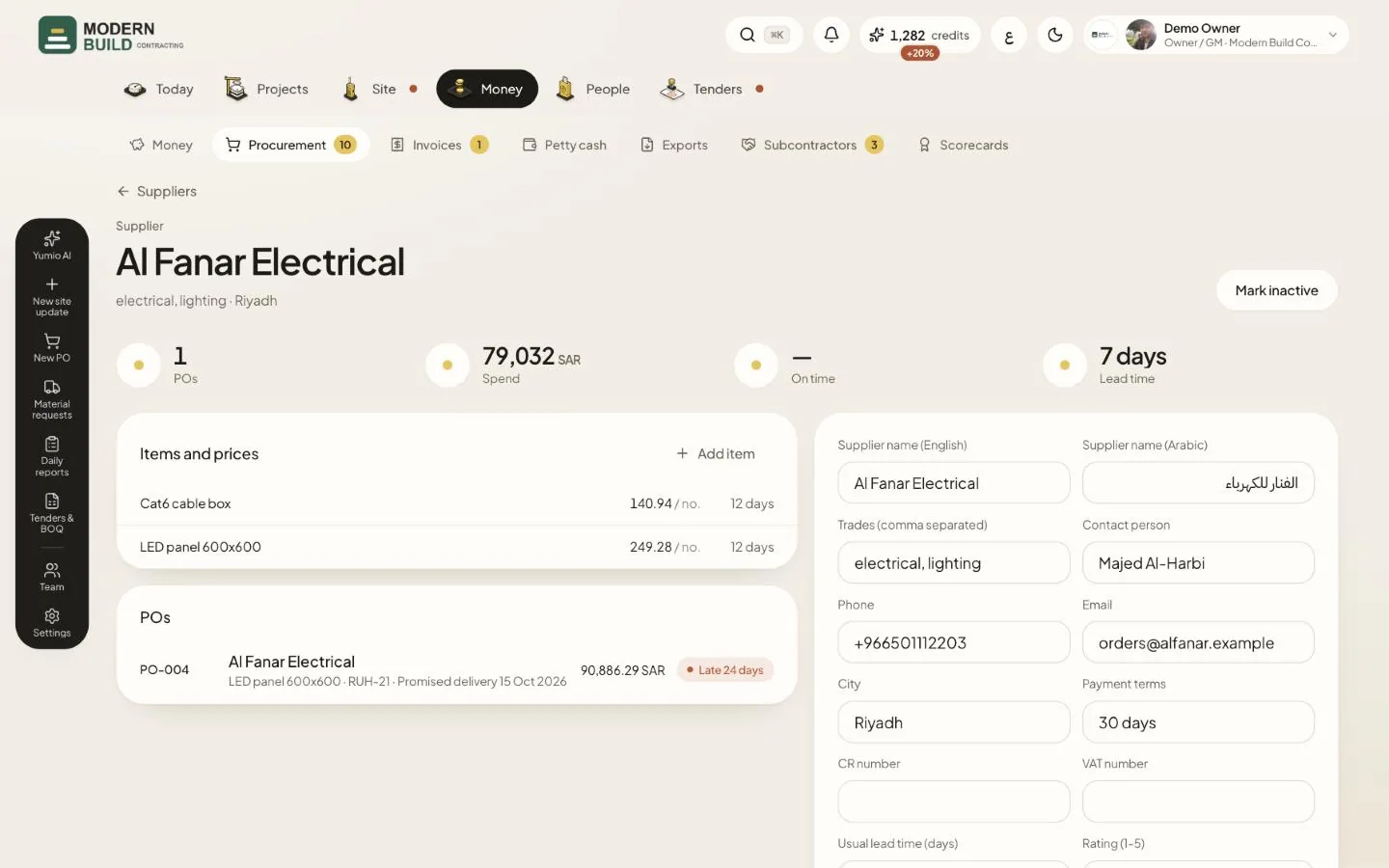
The Suppliers tab lists every supplier; a supplier's page shows what you bought from them and how they delivered. The owner, project managers, QS and procurement can add and change suppliers; the accountant can read them.
Step by step
- 1Open Procurement, choose the Suppliers tab and press New supplier to add one, or press a supplier to open its page.
- 2Read the supplier's items under Items and prices, and press Add item to add a price for them.
- 3Keep the details up to date in the form: contact, phone, Payment terms, Usual lead time (days) and Rating (1-5), then press Save.
- 4Press Mark inactive for a supplier you no longer use. It stays in the history but is left out of new POs.
What you see on the screen
- 5POs and Spend count the purchase orders with this supplier and their value.
- 6On time is the share of deliveries that arrived by the promised date; the line below gives the average delay.
More in this section: Procurement
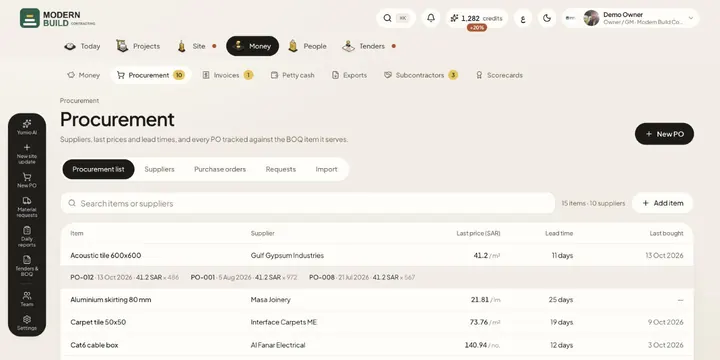 Procurement listEvery item you buy, from whom, the last price, lead time and when you last bought it, with its price history.
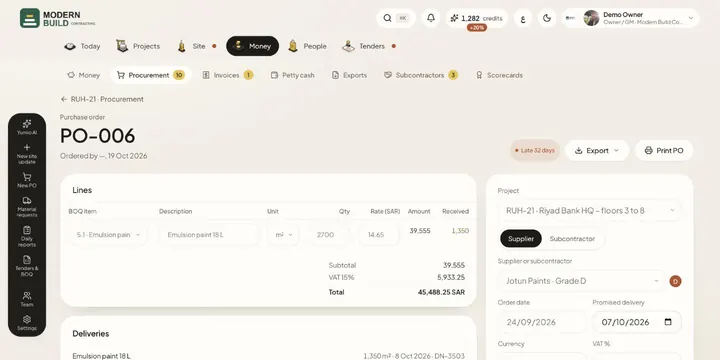 Purchase ordersRaise a PO against BOQ items, get it approved, then track it to delivery: in transit, partly delivered, late or closed.
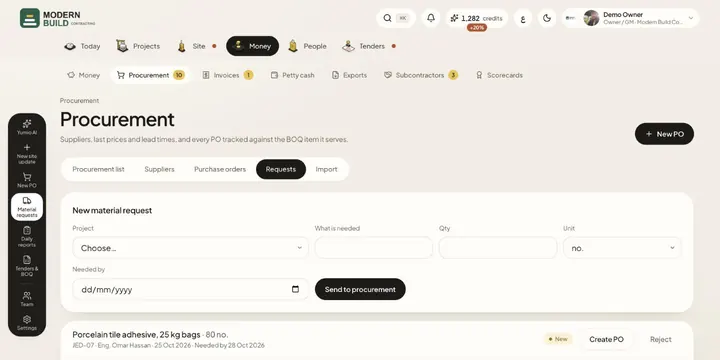 Material requestsAsk procurement for materials from site, and turn each request into a PO or reject it.
Still stuck?
Write to us in Arabic or English and we will help.