Subcontractors
Scorecards
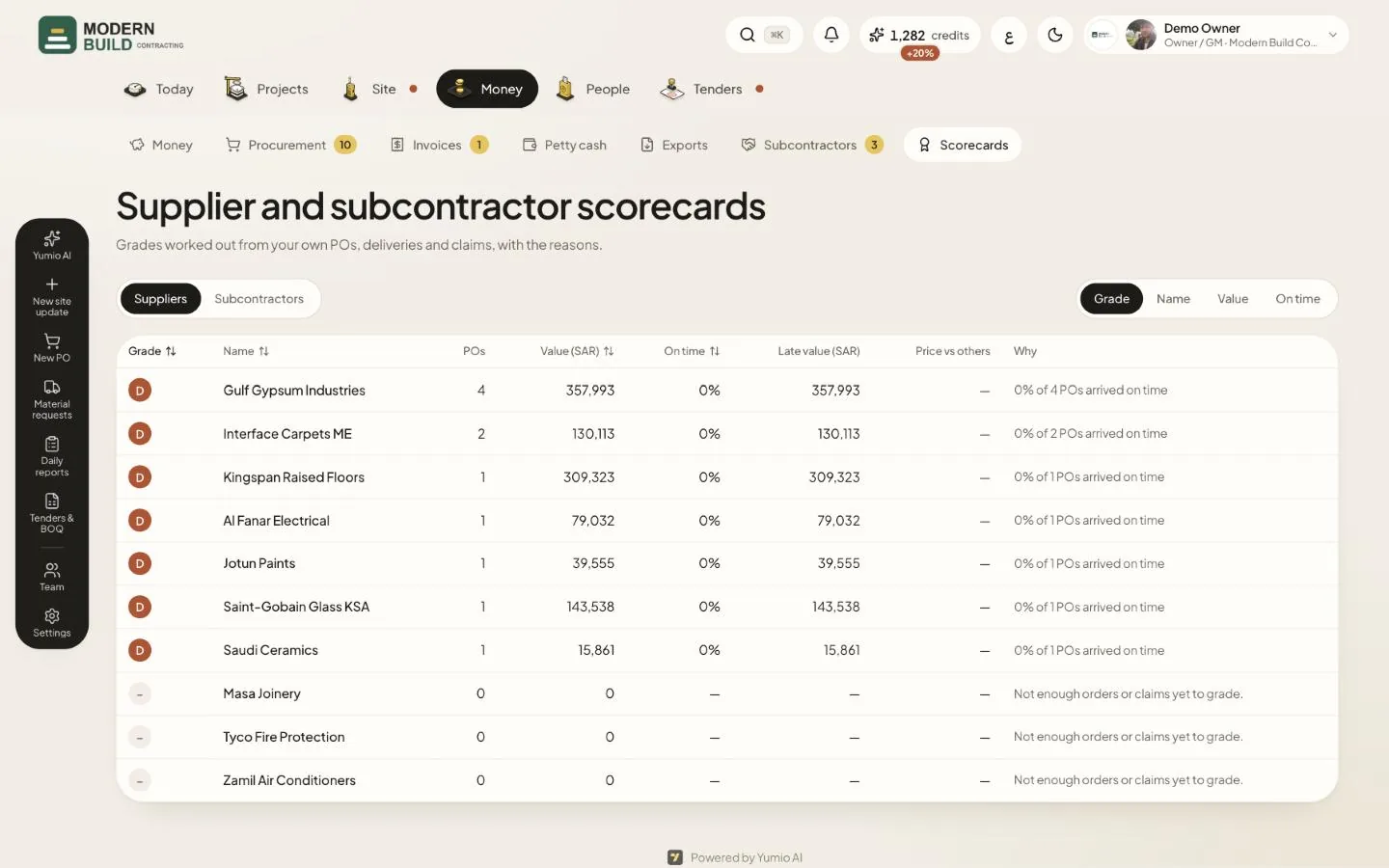
Scorecards work out a grade for each vendor from what really happened on your projects: on-time deliveries and prices for suppliers, claim accuracy and progress for subcontractors. They are for the owner, project managers, QS, procurement and accountants.
Step by step
- 1Open Scorecards in the Money tab and choose Suppliers or Subcontractors.
- 2Use Sort by to order the list by Grade, Name, Value or On time.
- 3Read the Why column for the main reason behind each grade.
- 4Press a name to open its scorecard, with all the numbers, How the grade works, and a place to save Your grade beside the worked-out one.
What you see on the screen
- 5The Grade is A at 85 or more out of 100, B from 70, C from 55 and D below. Only the parts with data count; a dash means no grade yet.
- 6For suppliers, on-time delivery counts for half, prices against other suppliers 30% and POs closed short 20%. Price vs others shows how much dearer or cheaper they are.
- 7For subcontractors, claim accuracy counts for half, progress against plan 30% and rejected claims 20%.
More in this section: Subcontractors
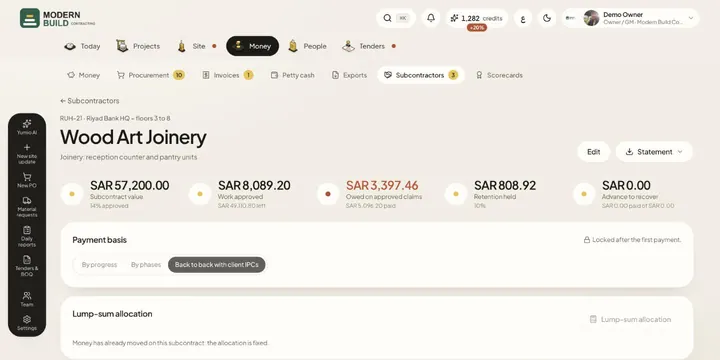 SubcontractsSet up each subcontract as lines of the project's BOQ, then follow its claims, payments, retention and advance.
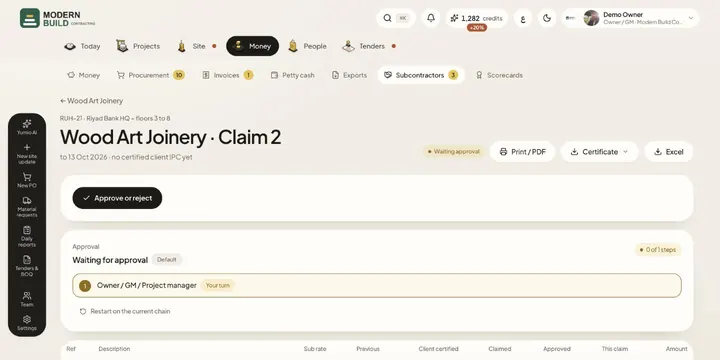 Subcontractor claimsCheck a subcontractor's claim against what the consultant certified for you, approve it and follow its payment.
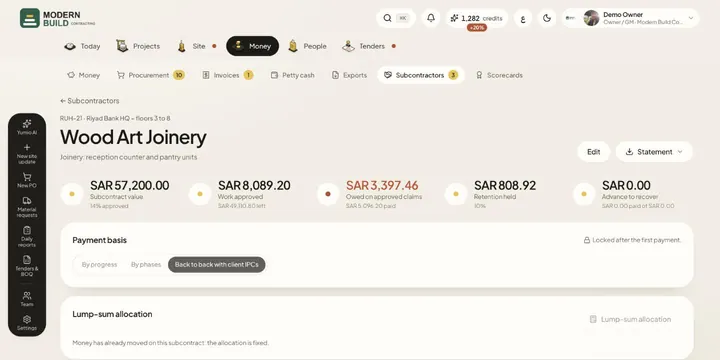 Lump-sum subcontractsSpread an agreed lump sum over the BOQ items you give a subcontractor, and choose whether you pay by progress, by phases or back to back.
Still stuck?
Write to us in Arabic or English and we will help.