Money
Collections
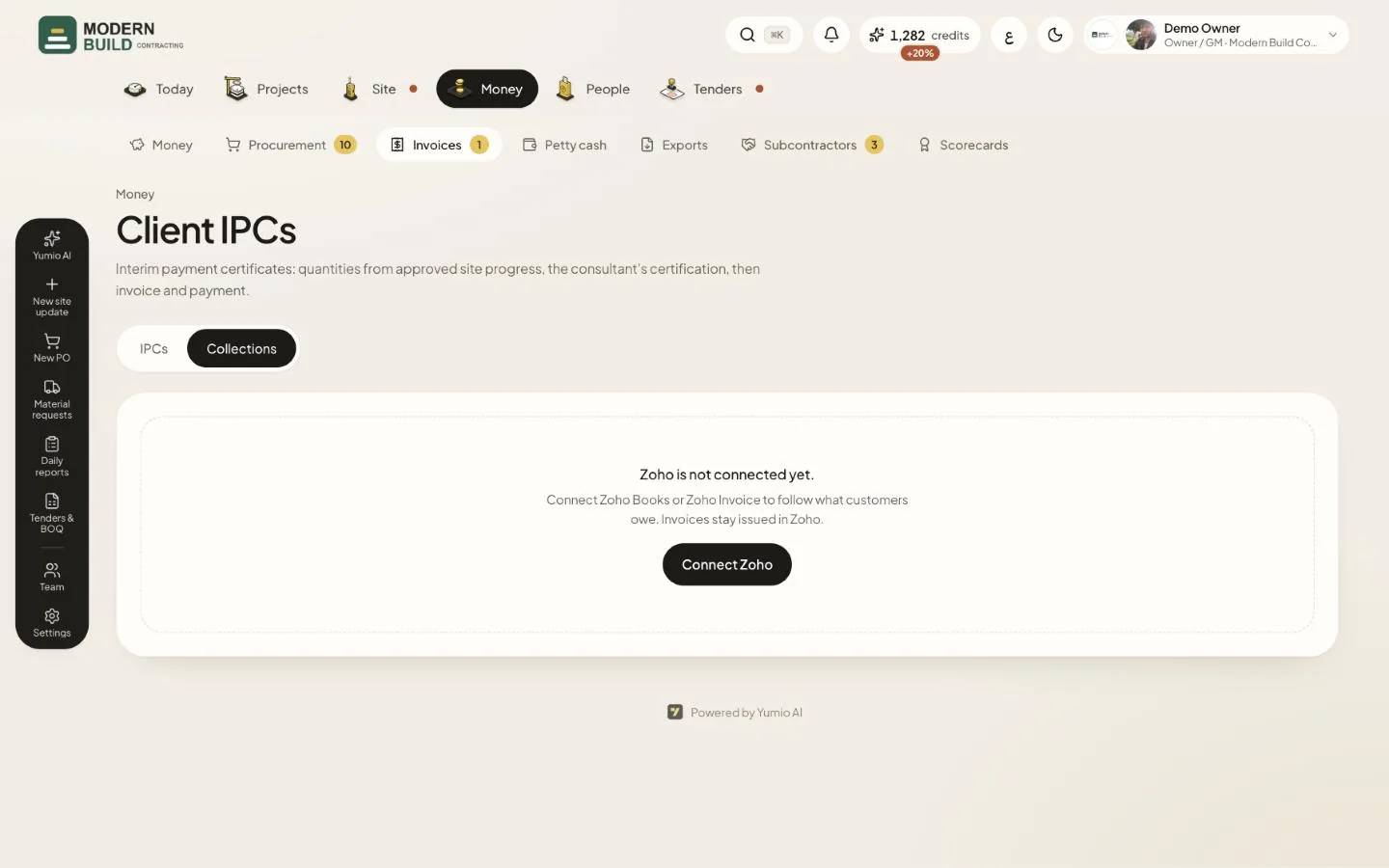
Collections sits next to the IPCs on the Client IPCs page. Invoices stay issued in Zoho; Yumio reads them, ages them by customer and ties each one to its IPC. It is for the owner, project managers, QS and accountants.
Step by step
- 1Open Invoices in the Money tab and choose the Collections tab.
- 2If Zoho is not connected yet, press Connect Zoho and link Zoho Books or Zoho Invoice in Settings.
- 3Read What each customer owes: every customer's balance split by age, from Not due to 90+ days.
- 4Go through Overdue invoices and press Open IPC to see the IPC behind one.
- 5Under Not linked to an IPC, choose Link to IPC… to tie a Zoho invoice to a certified IPC by hand.
- 6Press Read now to read Zoho again. The new figures arrive within a few minutes.
What you see on the screen
- 7Outstanding is the balance of every open and overdue Zoho invoice in the company's currency.
- 8Overdue is the part of it past the due date; it shows in red.
- 9Not linked to an IPC counts the unpaid Zoho invoices the read could not match to an IPC.
More in this section: Money
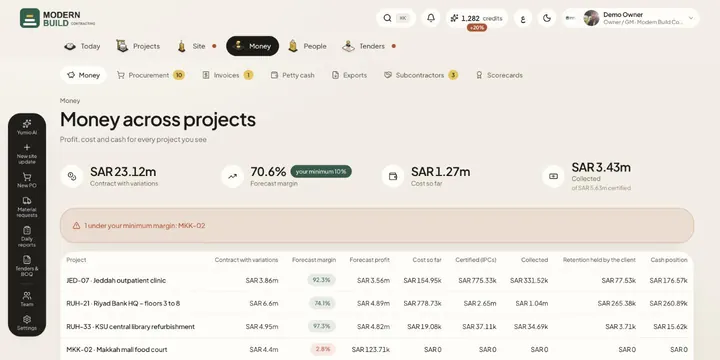 Money across projectsSee contract value, forecast margin, cost, certified and collected money, retention and cash for every project in one table.
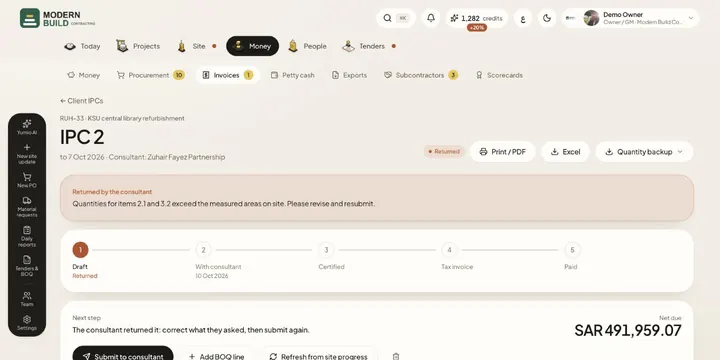 Client IPCsPrepare an interim payment certificate from approved site progress, send it to the consultant and follow it to the tax invoice and payment.
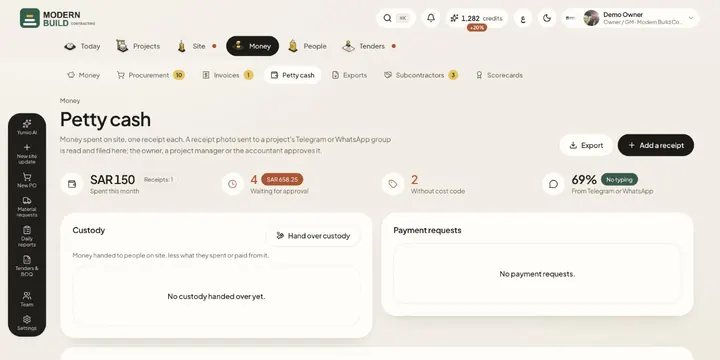 Petty cashRecord site spending one receipt at a time, from the app or from a photo in the project's chat, then approve, code and export it.
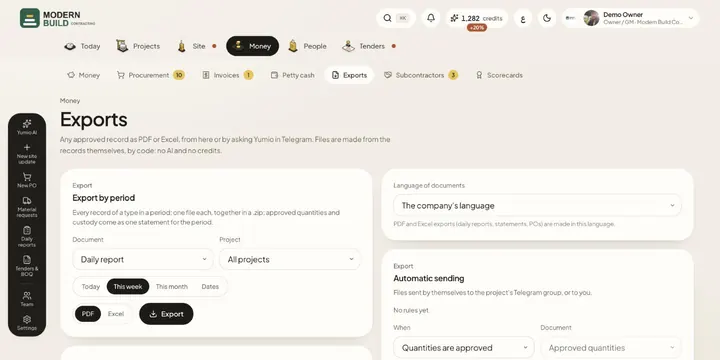 ExportsDownload any approved record as PDF or Excel, a whole period at once, and set files to be sent to Telegram on their own.
Still stuck?
Write to us in Arabic or English and we will help.