Money
Client IPCs
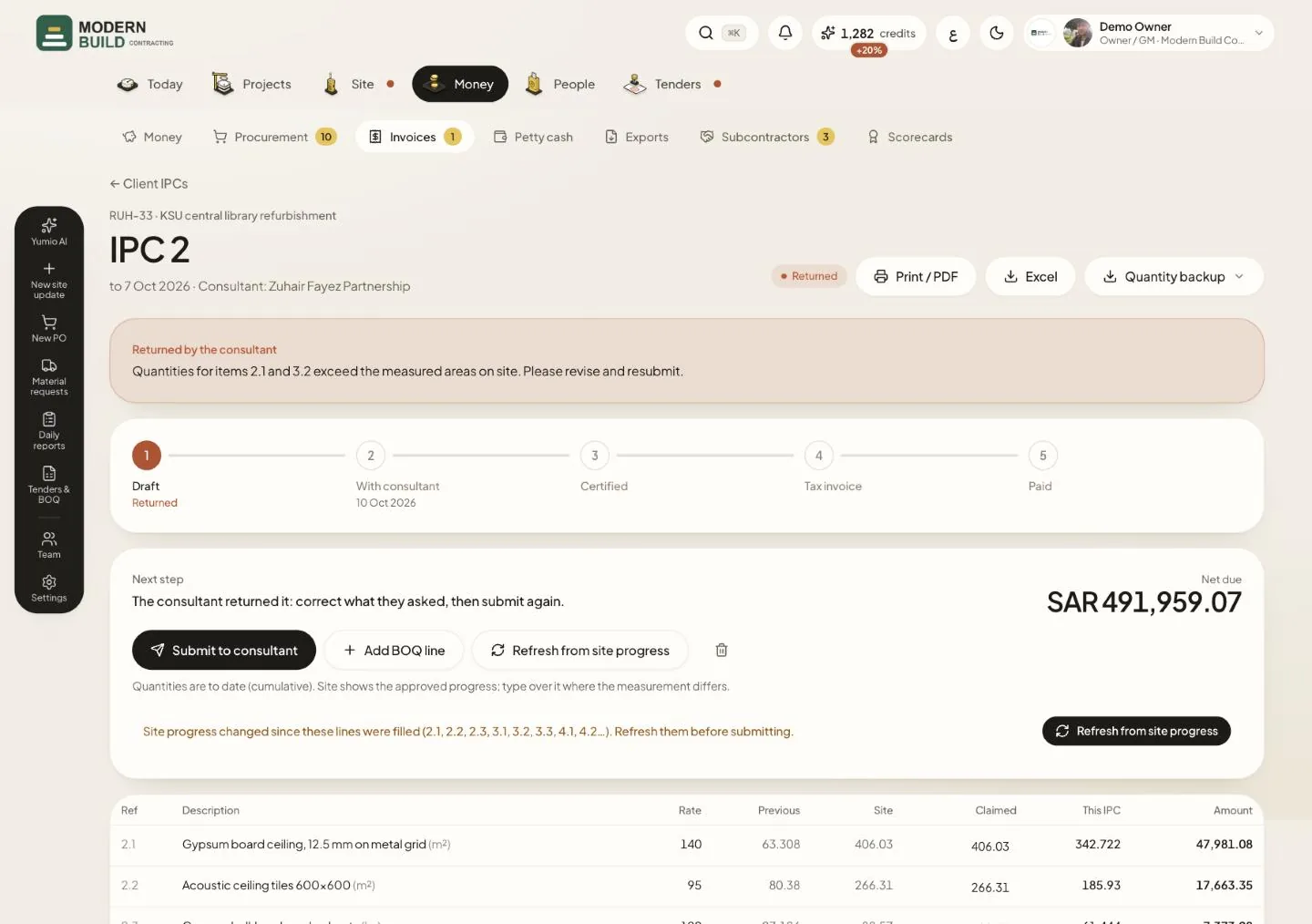
An IPC claims the work done to a cut-off date. Its lines are filled from the site progress approved up to that date, so the QS only checks and corrects. The owner, project managers and QS prepare IPCs; the owner, project managers and accountants record the tax invoice and the payment. The picture shows an IPC the consultant returned.
Step by step
- 1To start one, open Invoices in the Money tab, press New IPC, pick the project and the Cut-off date, then press Create IPC.
- 2If the consultant sent it back, read Returned by the consultant and correct what they asked for.
- 3Type over a figure in the Claimed column where your measurement differs. Quantities are to date (cumulative); the Site column shows the approved progress.
- 4Press Refresh from site progress to bring every line back to the approved progress, or Add BOQ line for an item that is not on the IPC yet.
- 5Press Submit to consultant. Then send the Consultant link, or use Record decision to enter a decision the consultant gave on paper.
- 6Once certified, press Tax invoice issued and enter its number, then Mark paid when the money arrives. Use Print / PDF or Excel for a copy to send.
What you see on the screen
- 7The stage bar runs Draft, With consultant, Certified, Tax invoice, Paid. The days with the consultant turn red once they pass your consultant's review days.
- 8Next step says in one sentence what to do now with this IPC.
- 9Net due is the work done to date, less previous IPCs, less advance recovery and retention, plus VAT.
More in this section: Money
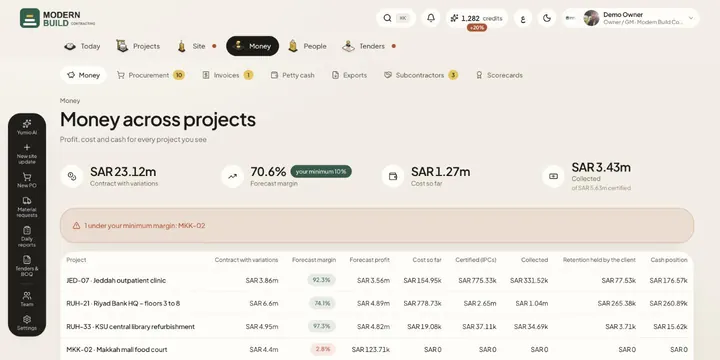 Money across projectsSee contract value, forecast margin, cost, certified and collected money, retention and cash for every project in one table.
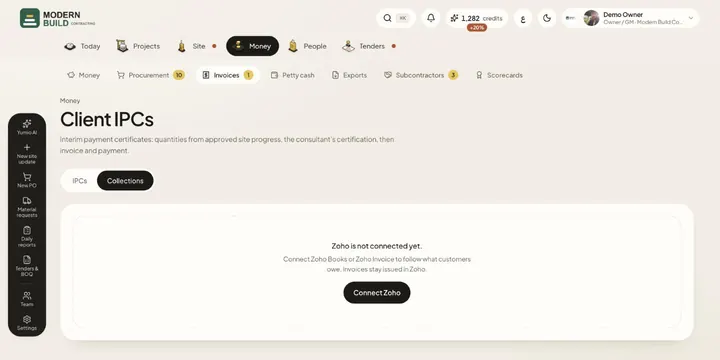 CollectionsFollow what each customer owes, aged by days overdue, read from your Zoho Books or Zoho Invoice account.
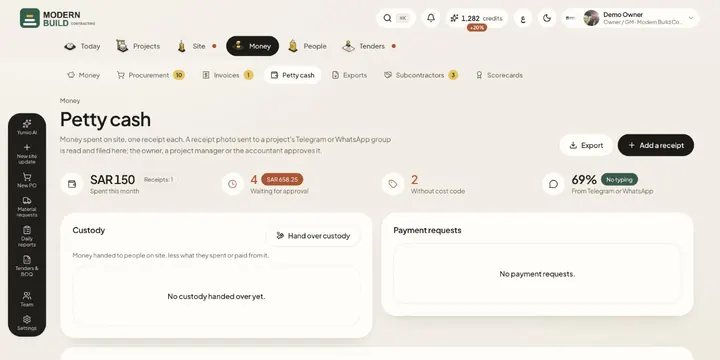 Petty cashRecord site spending one receipt at a time, from the app or from a photo in the project's chat, then approve, code and export it.
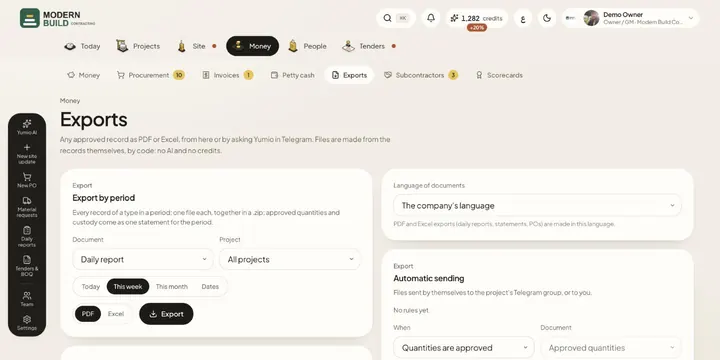 ExportsDownload any approved record as PDF or Excel, a whole period at once, and set files to be sent to Telegram on their own.
Still stuck?
Write to us in Arabic or English and we will help.