Money
Petty cash
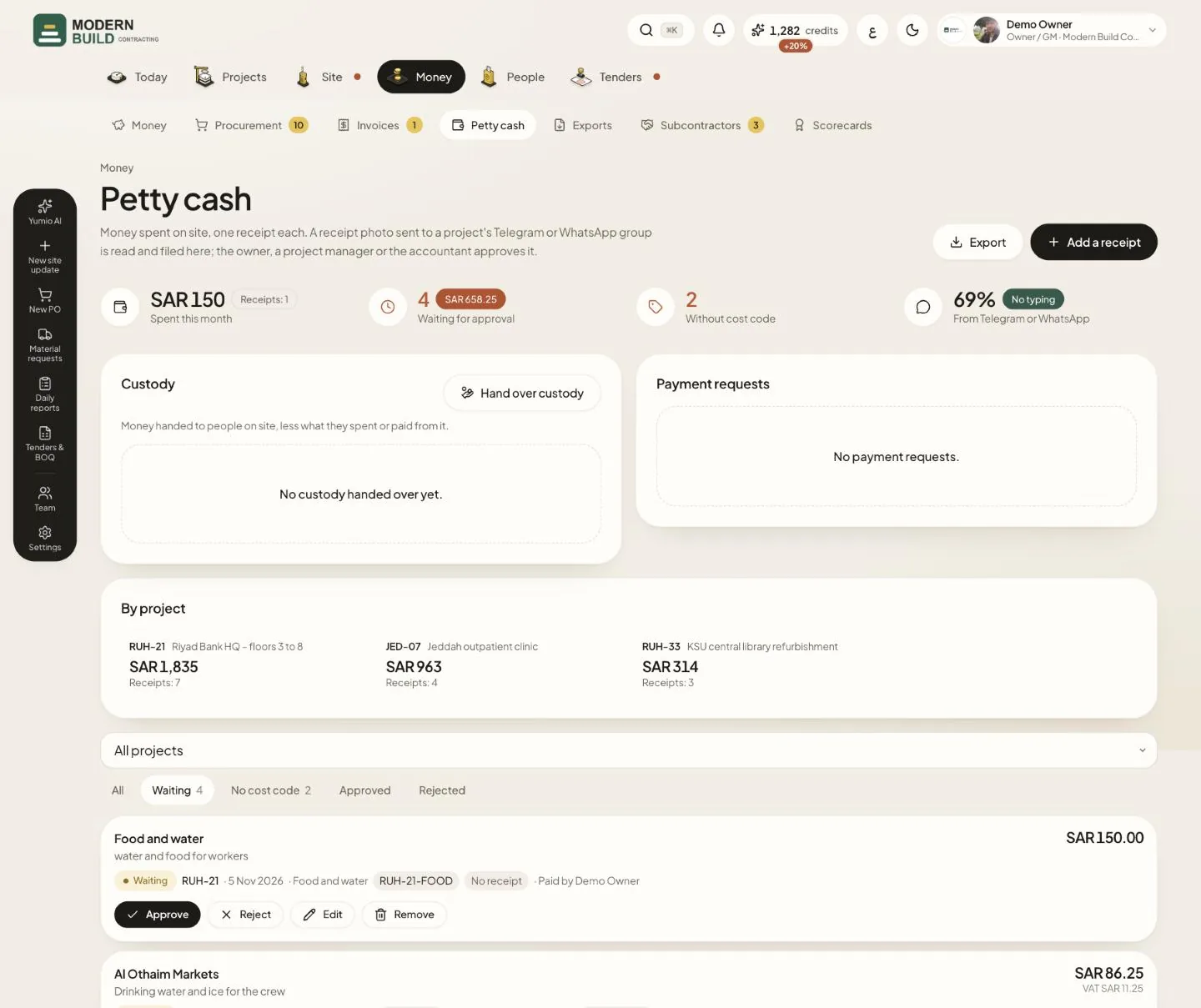
Petty cash holds the money spent on site, one receipt each. A receipt photo sent to a project's Telegram or WhatsApp group is read and filed here. Most office and site roles can add receipts; the owner, a project manager or the accountant approves them. The picture shows the receipts waiting for approval.
Step by step
- 1Press Add a receipt, fill in the project, vendor, amount and VAT, attach the Receipt photo, then press Save receipt.
- 2Use the filters to see what needs you: Waiting for approval, or No cost code for receipts not yet coded.
- 3On each receipt, press Approve or Reject. Back to waiting reopens a receipt you already decided.
- 4Press Edit to add a Cost code or a BOQ line. Yumio suggests the code this vendor had last time.
- 5Press Export to download the receipts of a period in Excel or PDF, or a custody statement.
What you see on the screen
- 6Spent this month adds the receipts of this month that are not rejected.
- 7Waiting for approval counts the receipts nobody has decided yet; its badge gives their total.
- 8Without cost code counts receipts with neither a cost code nor a BOQ line.
- 9From Telegram or WhatsApp is the share of receipts that came in from the chat, with no typing.
More in this section: Money
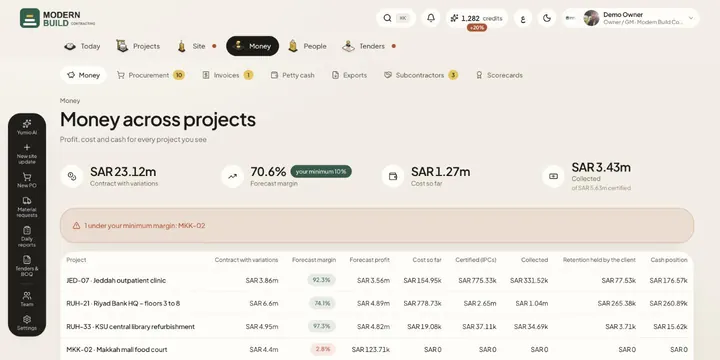 Money across projectsSee contract value, forecast margin, cost, certified and collected money, retention and cash for every project in one table.
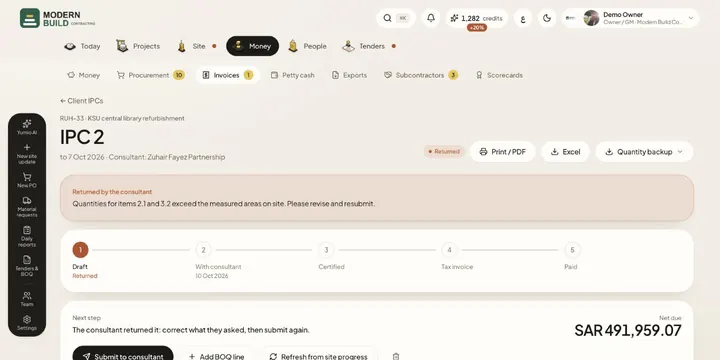 Client IPCsPrepare an interim payment certificate from approved site progress, send it to the consultant and follow it to the tax invoice and payment.
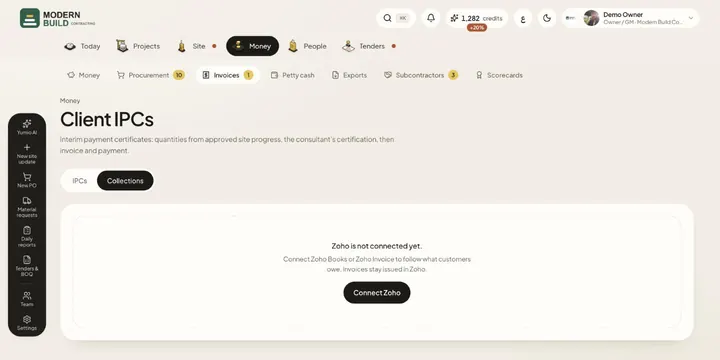 CollectionsFollow what each customer owes, aged by days overdue, read from your Zoho Books or Zoho Invoice account.
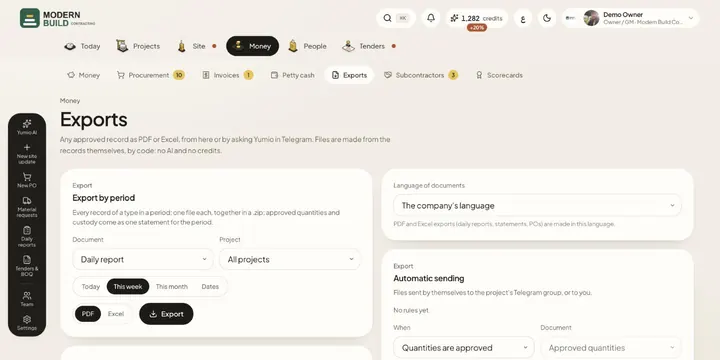 ExportsDownload any approved record as PDF or Excel, a whole period at once, and set files to be sent to Telegram on their own.
Still stuck?
Write to us in Arabic or English and we will help.