Money
Exports
Exports gathers every approved record as a file: daily reports, approved quantities, IPC quantity backups, subcontractor certificates and statements, custody statements, purchase orders and more. Files are made from the records by code, with no AI and no credits. Each role sees only the documents it may export.
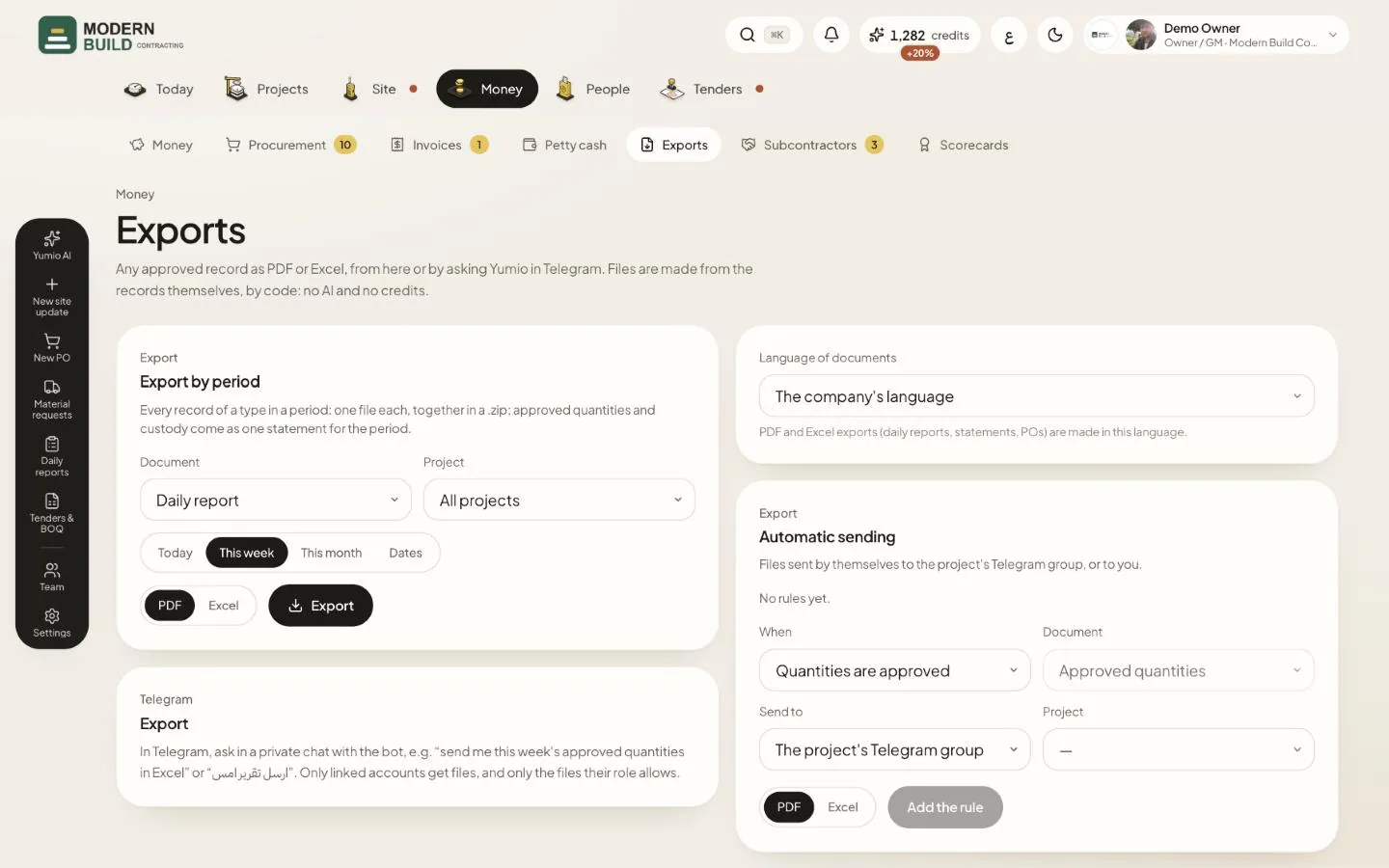
Step by step
- 1In Export by period, choose the Document and the Project, or keep All projects.
- 2Pick the period: Today, This week, This month, or Dates for your own range.
- 3Choose PDF or Excel and press Export. Several records come together in one .zip file.
- 4In Telegram, ask the bot in a private chat, for example “send me this week's approved quantities in Excel”.
- 5Under Automatic sending, choose When, the document and Send to, then press Add the rule.
- 6If you are the owner, set the Language of documents for PDF and Excel files.
More in this section: Money
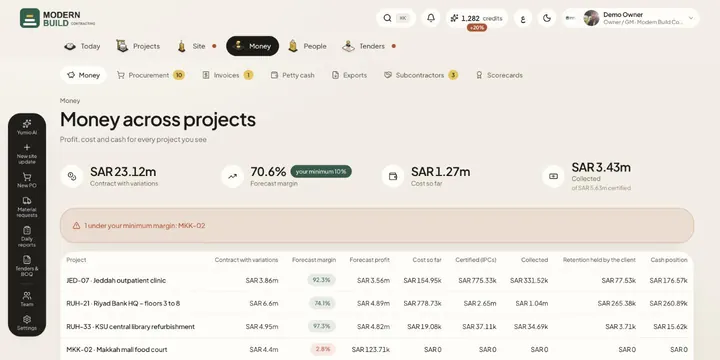 Money across projectsSee contract value, forecast margin, cost, certified and collected money, retention and cash for every project in one table.
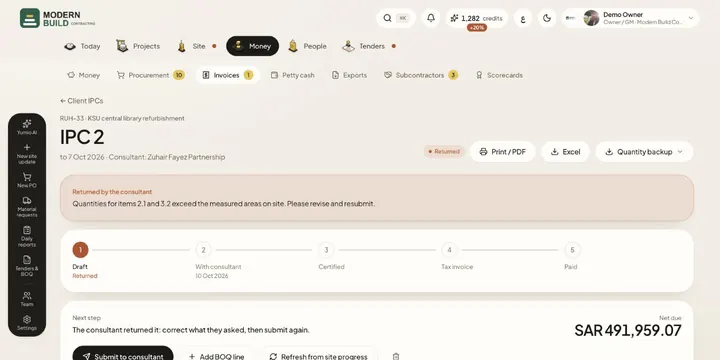 Client IPCsPrepare an interim payment certificate from approved site progress, send it to the consultant and follow it to the tax invoice and payment.
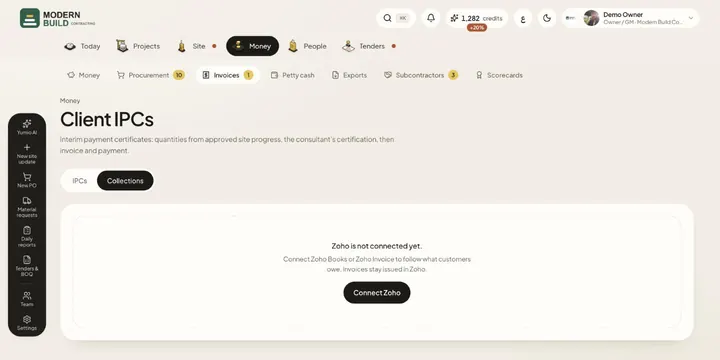 CollectionsFollow what each customer owes, aged by days overdue, read from your Zoho Books or Zoho Invoice account.
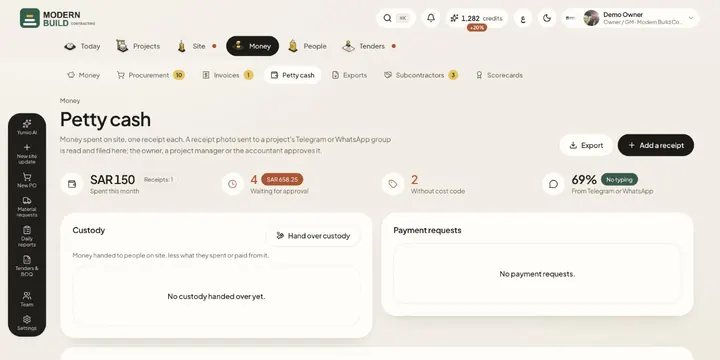 Petty cashRecord site spending one receipt at a time, from the app or from a photo in the project's chat, then approve, code and export it.
Still stuck?
Write to us in Arabic or English and we will help.