Today
Needs you today
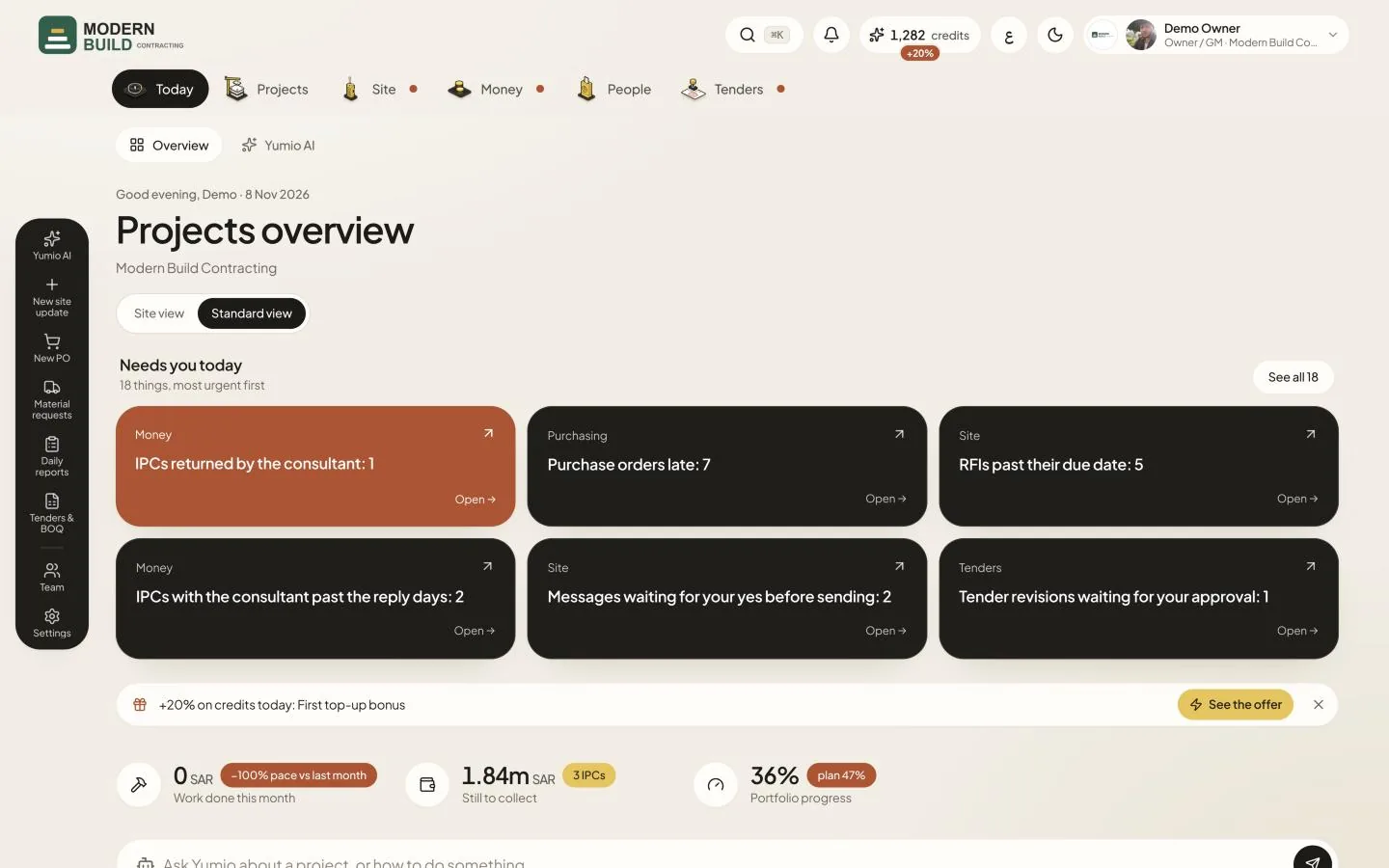
Needs you today sits near the top of Today. It collects what is waiting on you: site updates to confirm, daily reports not issued, IPCs returned, purchase orders to approve, RFIs past their date and more. Each person sees only what their role handles.
Step by step
- 1Find Needs you today on Today. The line under it says how many things there are, most urgent first.
- 2Read a card: the top line says the area (Money, Site, Purchasing or Tenders) and the project, the title says what is waiting and how many, for example Site updates to confirm: 3.
- 3Press Open → on a card to go to the page where you act on it, for example the Site page to confirm updates or the purchase orders waiting on your approval.
- 4If there are more than six, press See all to show the whole list, and Show less to fold it again.
- 5Deal with the item on its page. It leaves the list by itself once nothing is waiting any more; when all is done you see Nothing needs you right now.
What you see on the screen
- 6The card colour is how urgent it is: red-brown is urgent (an IPC returned, an overdue invoice), dark is high (late RFIs or POs, a project behind plan), yellow is for today (updates to confirm, drafts to issue), green is for information (new RFQs, take-off drafts).
- 7Behind plan by more than 10% and No site update for 3 days or more are per project: the card names the project and opens it.
More in this section: Today
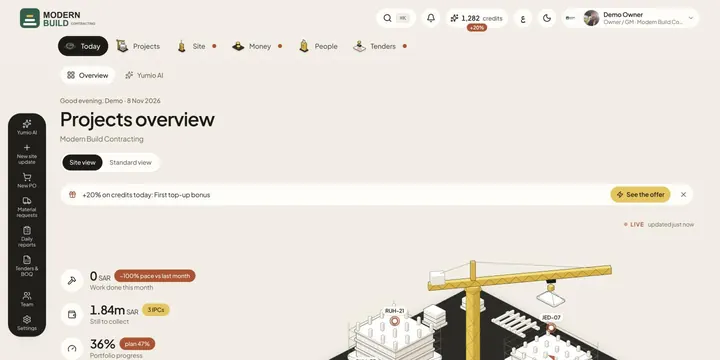 TodayThe Today page shows your company's day at a glance: headline figures, what needs you, and every project in a site view or a standard view.
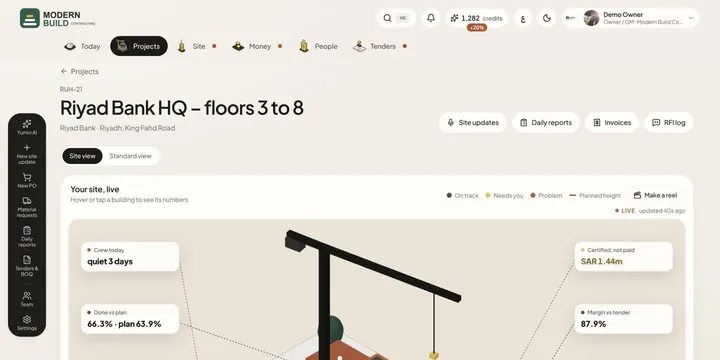 Site viewSee a project, or all your projects, as a live 3D site: buildings rise with the work done and their colour says what needs a look.
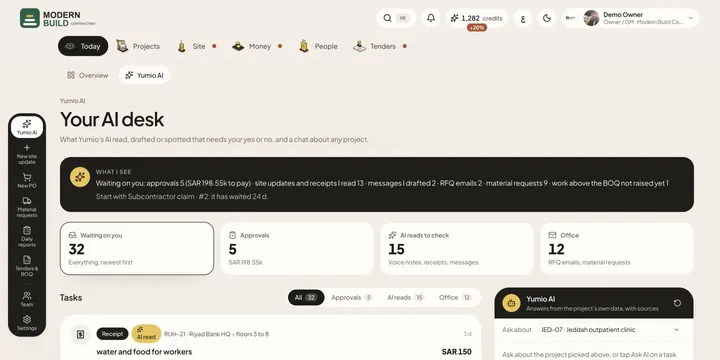 Yumio AIApprove or reject what Yumio's AI read, drafted or spotted, and ask the AI about any project, with answers from the project's own data.
Still stuck?
Write to us in Arabic or English and we will help.