Projects
Project money
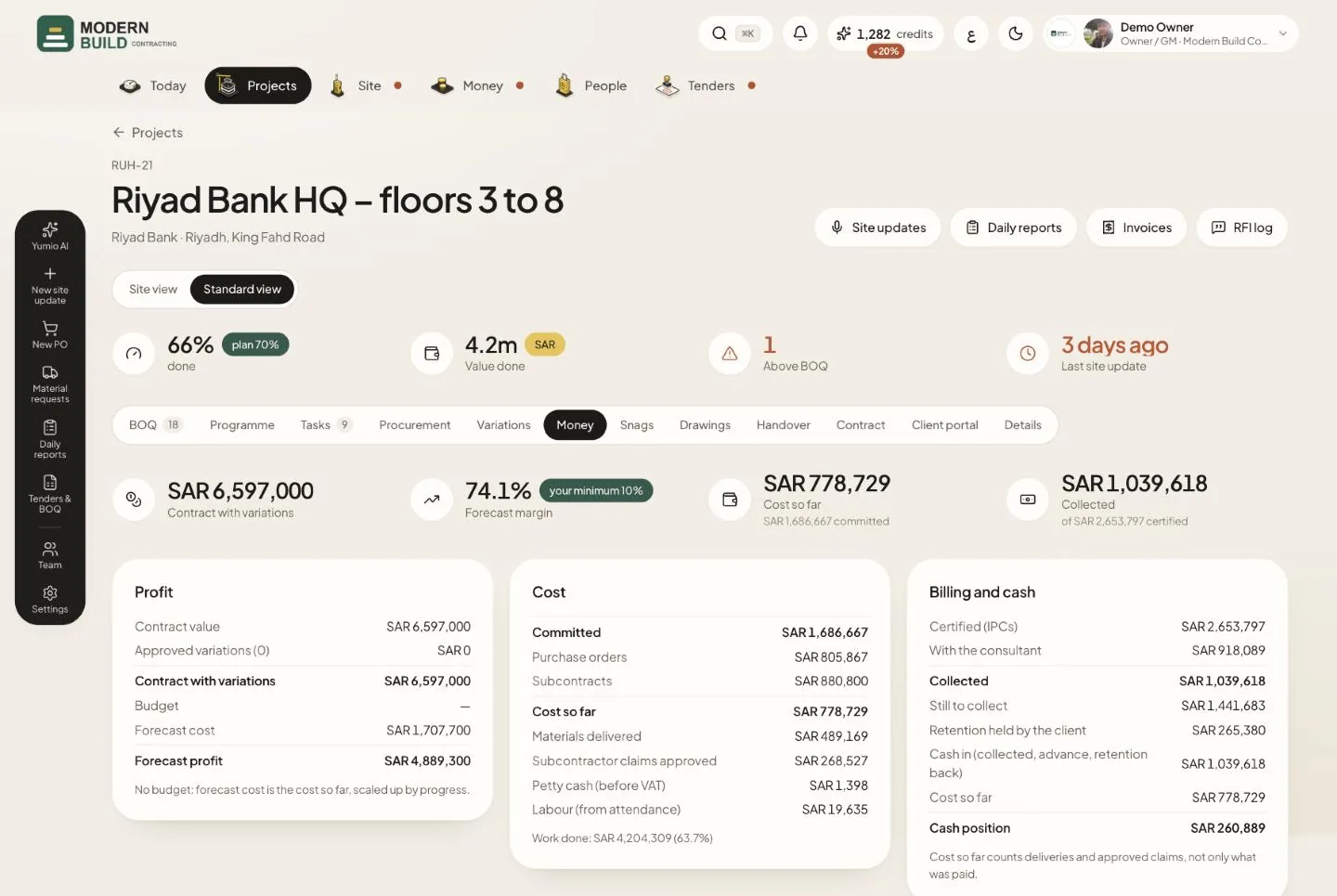
The Money tab shows the project's profit as it stands and as forecast. The figures are worked out by Yumio from the BOQ, POs, subcontractor claims, petty cash, labour and IPCs. It is for the owner, project managers, the QS and accountants.
Step by step
- 1Start with the four figures at the top. If the forecast margin falls under your minimum, a red note asks you to look at the cost lines.
- 2In Profit, check the contract with approved variations, the budget, the forecast cost and the forecast profit.
- 3In Cost, compare what is Committed (POs and subcontracts) with the cost so far, split into materials, subcontractors, petty cash and labour.
- 4In Billing and cash, follow what was certified, what is with the consultant, collected, still to collect and the retention the client holds.
- 5Further down, Retention and advance shows both sides: held by the client and held from subcontractors. Plan the release dates (Usual plan: 50% at handover, 50% after defects) and press Mark released when money comes back.
- 6In Money terms, set the retention cap, advance amount, advance recovery % per IPC, cost budget and handover date, then press Save. The next IPC uses them.
What you see on the screen
- 7Contract with variations is the contract value plus the approved variations.
- 8Cost so far counts deliveries received and approved subcontractor claims, not only what was paid. Under it is what is committed.
- 9Collected is what the client paid, out of the amount certified in IPCs.
- 10Cash position is cash in (collected, advance, retention back) minus the cost so far. It is red when it is below zero.
More in this section: Projects
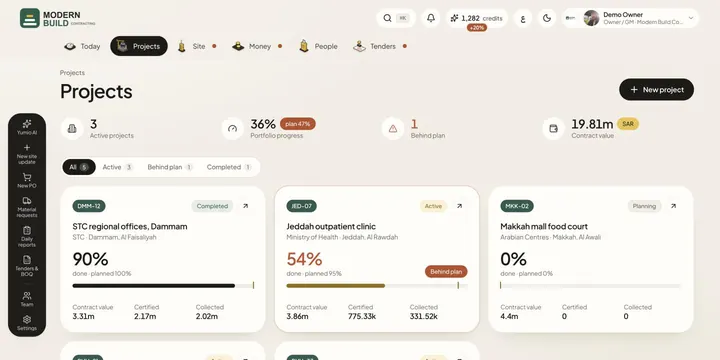 ProjectsSee every project's progress against its plan, find the ones behind, add a new project and open any of them.
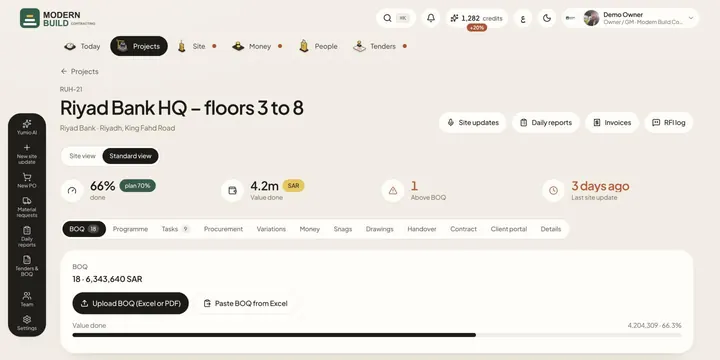 Project BOQLoad the project's BOQ from Excel, PDF or a paste, and follow how much of each line is done from confirmed site updates.
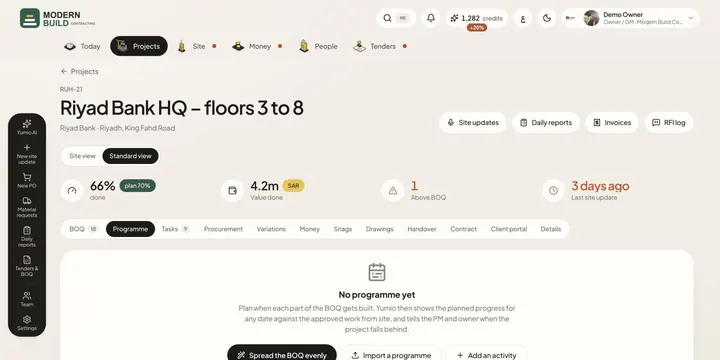 ProgrammePlan when each part of the BOQ gets built, then see planned against done, days of delay and the S-curve for any project.
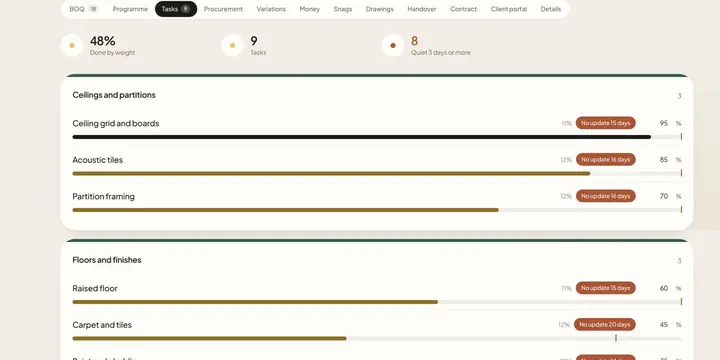 TasksKeep the project's tasks by phase, with each task's weight and % done, and spot the ones with no update for three days.
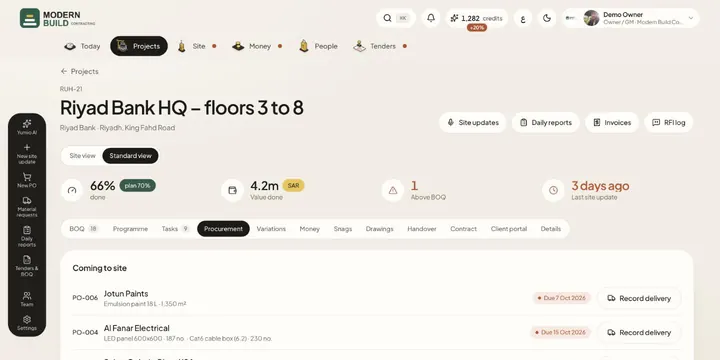 Project procurementSee what this project must order and by when, its purchase orders, deliveries coming to site and its material requests.
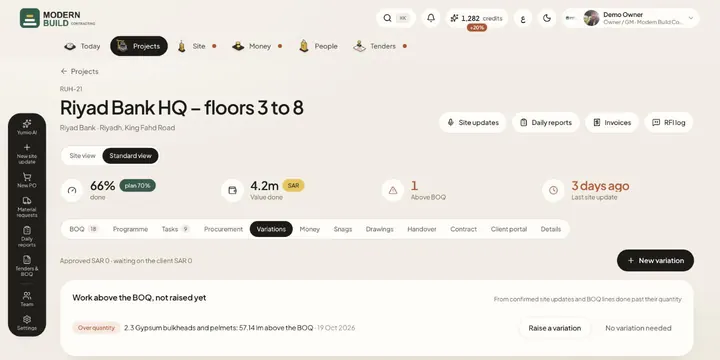 VariationsRaise and price variations (VO-001…), send them to the client, record the decision, and add approved lines to the BOQ.
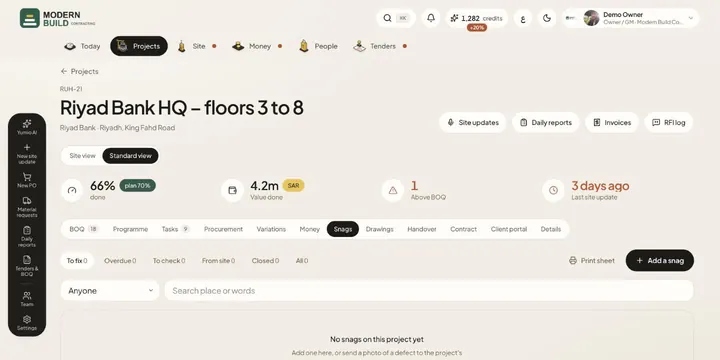 SnagsKeep the project's snag list: where, what, photos and who fixes it by when, then check each fix and close it.
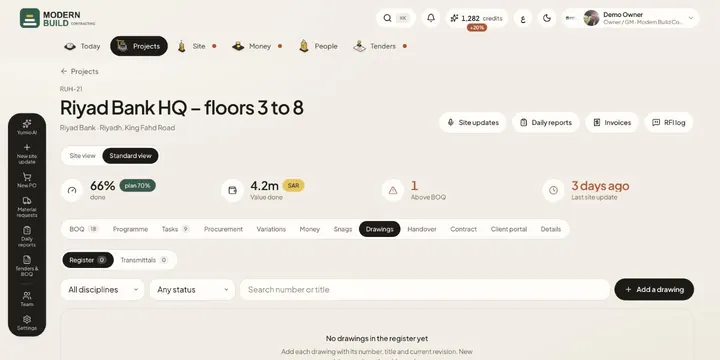 DrawingsKeep the drawing register with the revision in force, and send drawings to the client or subcontractors on a transmittal.
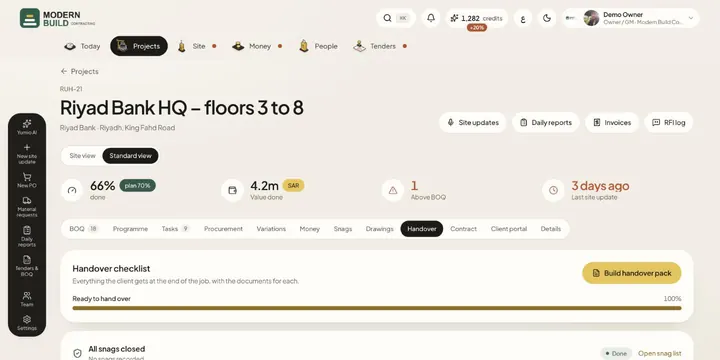 HandoverTrack everything the client gets at the end of the job, upload each document, and build the handover pack in one go.
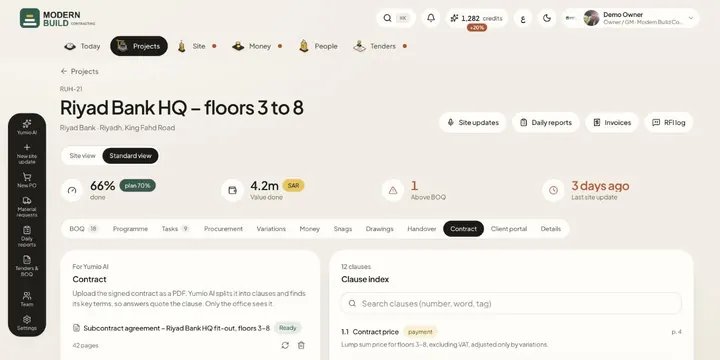 ContractUpload the signed contract as a PDF: Yumio AI splits it into clauses and finds its key terms, so answers quote the clause.
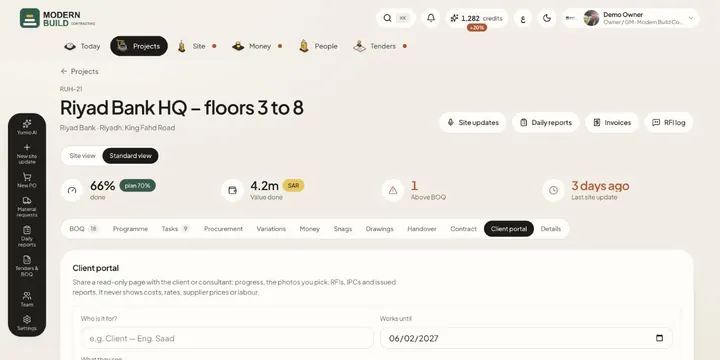 Client portalShare a read-only page with the client or consultant: progress, chosen photos, RFIs, IPCs and issued reports, never costs.
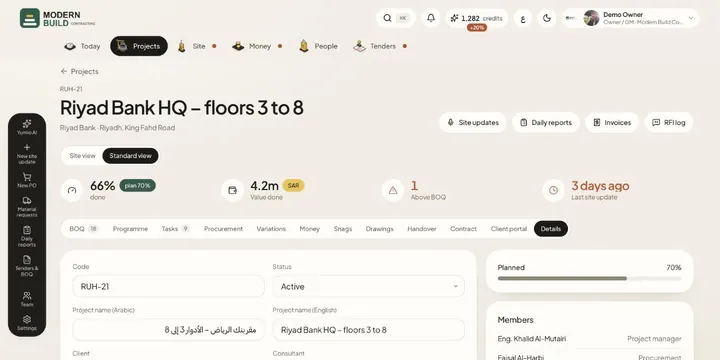 Project detailsChange the project's code, names, client, consultant, dates, value and terms, and see who is on the project.
Still stuck?
Write to us in Arabic or English and we will help.