Tenders
Whole-tender take-off
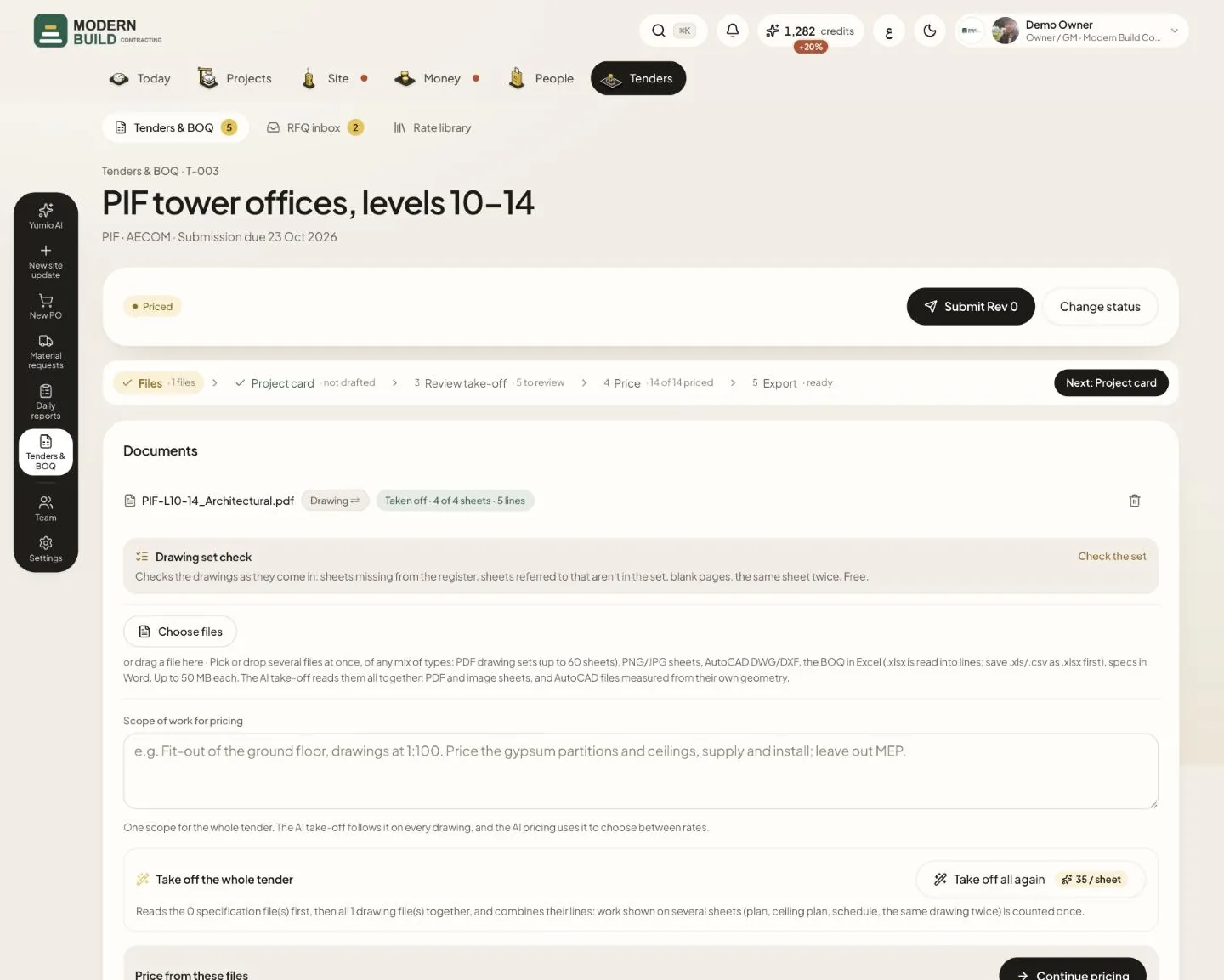
The take-off reads the specification files first, then every drawing sheet, and combines the lines so work shown on several sheets is counted once. It sits in the Files step, under the documents. The owner, project managers and the QS / technical office run it.
Step by step
- 1Upload the drawings and specifications in Documents, and check each file's badge: Drawing or Specification.
- 2In Take off the whole tender, press Take off all files together (Take off all again if it has run before). The price per sheet in credits shows on the button.
- 3Check the number of sheets and the cost in the window that opens, and press Start take-off.
- 4If the take-off asks, check its Project card (what it understood the tender to be) and press Confirm and measure. Nothing is measured before that.
- 5Follow the progress: each specification and sheet shows Reading now, Read, or why it was not read. Press Retry this file on a failed one while the take-off runs, or Re-read this sheet after it ends. You can close the page: the take-off carries on on the server.
- 6When it is done, open Review take-off and approve the lines. Only approved lines are priced.
What you see on the screen
- 7The note under Take off the whole tender counts what will be read: the specification files first, then the drawing files.
- 8Taken off · 4 of 4 sheets · 5 lines on a file is an earlier take-off of that file on its own.
- 9The Review take-off step reads reading the drawings… while the take-off runs, then N to review.
More in this section: Tenders
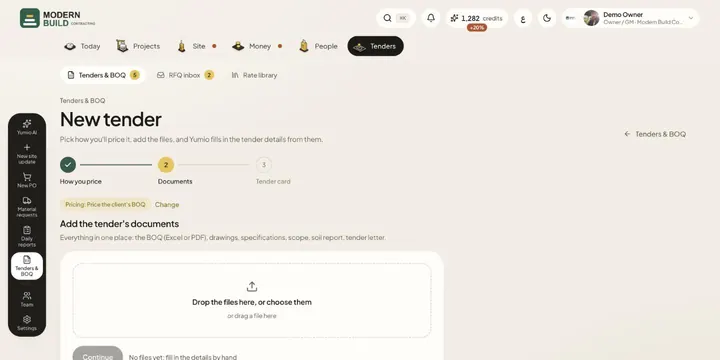 New tenderStart a tender from its documents: pick how you'll price it, add the files or import an RFQ email, and Yumio fills in the details.
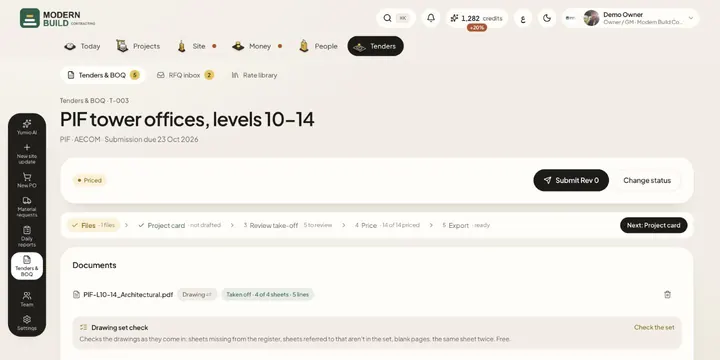 Tender filesAdd and remove a tender's documents, choose how each file is read, and write the scope of work the take-off and pricing follow.
- Tender cardCheck the name, client, dates and terms Yumio read from the tender documents, type only what's missing, and confirm in one tap.
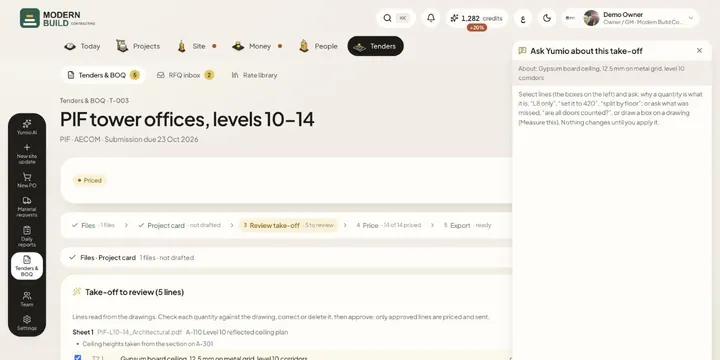 Ask Yumio about the take-offCheck the take-off's draft lines, ask Yumio why a quantity is what it is or what was missed, apply its corrections, and approve.
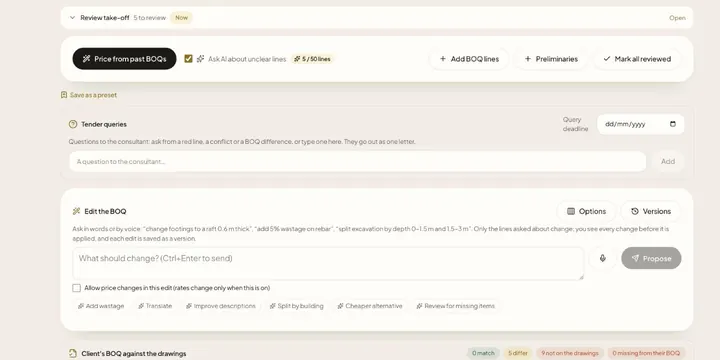 Pricing a tenderPrice every BOQ line from your rate library, see where each rate came from, pick another past rate or type your own, and mark lines checked.
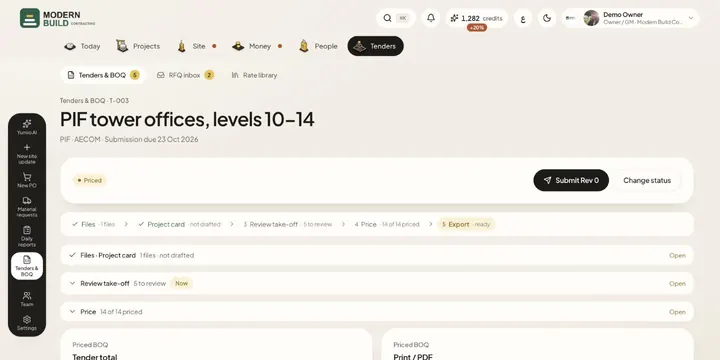 Export and submit a tenderSet the quotation terms and markup, check the total and margin, download Excel or print the priced BOQ, and submit it as a revision.
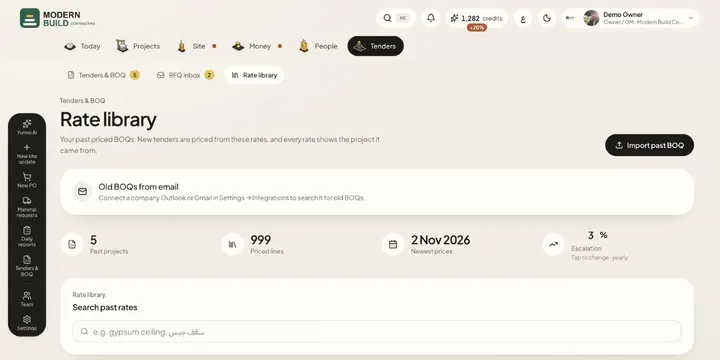 Rate libraryKeep your past priced BOQs and price books in one library, search their rates, and set the yearly escalation tenders are priced with.
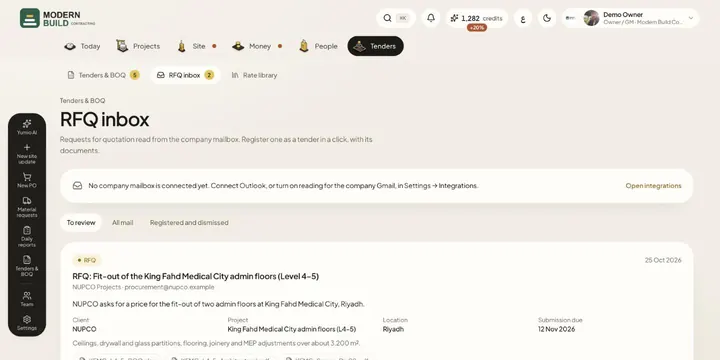 RFQ inboxSee the requests for quotation read from the company mailbox, register one as a tender with its documents, or dismiss it.
Still stuck?
Write to us in Arabic or English and we will help.